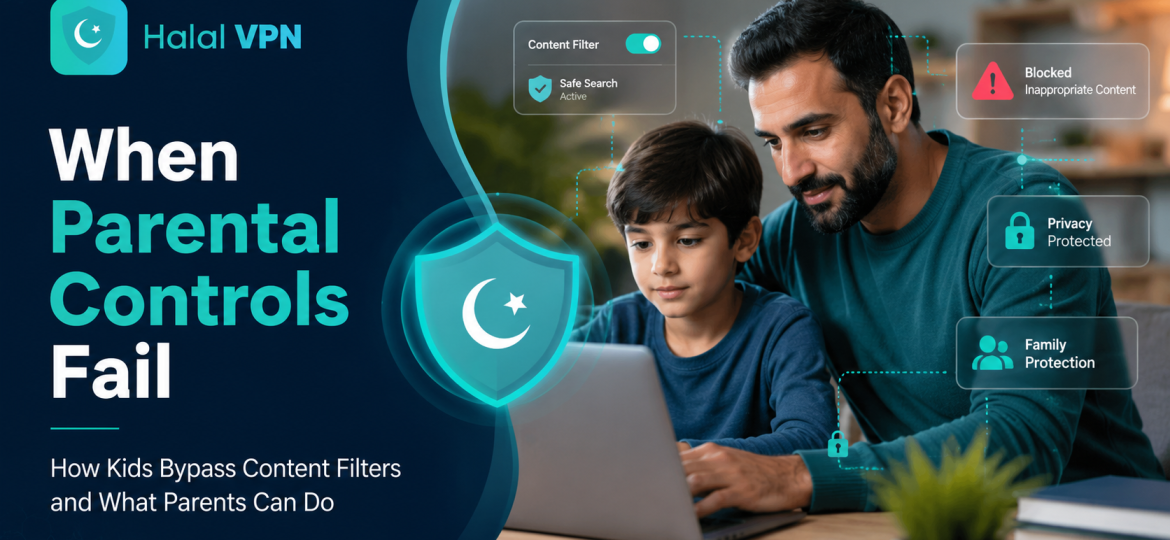
You set up parental controls. You block adult websites. You turn on SafeSearch, restrict downloads and limit screen time.
Then, a few weeks later, you discover that your child has still reached content you thought was blocked.
For many parents, the first reaction is confusion:
“How did they get around the parental controls?”
The uncomfortable answer is that no parental-control system is perfect.
Google itself warns that its “Try to block explicit sites” setting is not perfect. Microsoft’s web filtering depends on children using the supported browser, while different devices, accounts, apps and networks can create additional gaps.
And this is not just a theoretical problem.
Ofcom’s 2026 research found that 19% of 13–17-year-olds said they knew how to use a VPN or similar technology to reach particular sites, apps or content. Around 16% said they knew how to get around parental controls or age checks. Ofcom also found that 25% of children in a separate study reported using a VPN within the previous six months, although their reasons varied.
For Muslim parents, the concern can go beyond ordinary screen time. Parents may also be trying to protect children from pornography, gambling, sexually explicit material, violent content and digital environments that conflict with the values being taught at home.
The solution, however, is not to turn the family home into a surveillance centre.
Better protection comes from understanding where parental controls fail, building several sensible layers of protection and helping children develop the judgment to make better choices even when no filter is watching.
Why Parental Controls Are Not a Complete Solution
Parental controls are useful.
They can restrict apps, block websites, limit purchases, control screen time and make it much harder for younger children to accidentally reach inappropriate material.
Google Family Link, for example, allows parents to manage apps and website access on supported devices. Apple Screen Time allows parents to manage content, apps and privacy restrictions. Microsoft Family Safety provides website, search, app and game controls.
But there is an important difference between:
making inappropriate content harder to reach
and
making inappropriate content impossible to reach.
The second is extremely difficult.
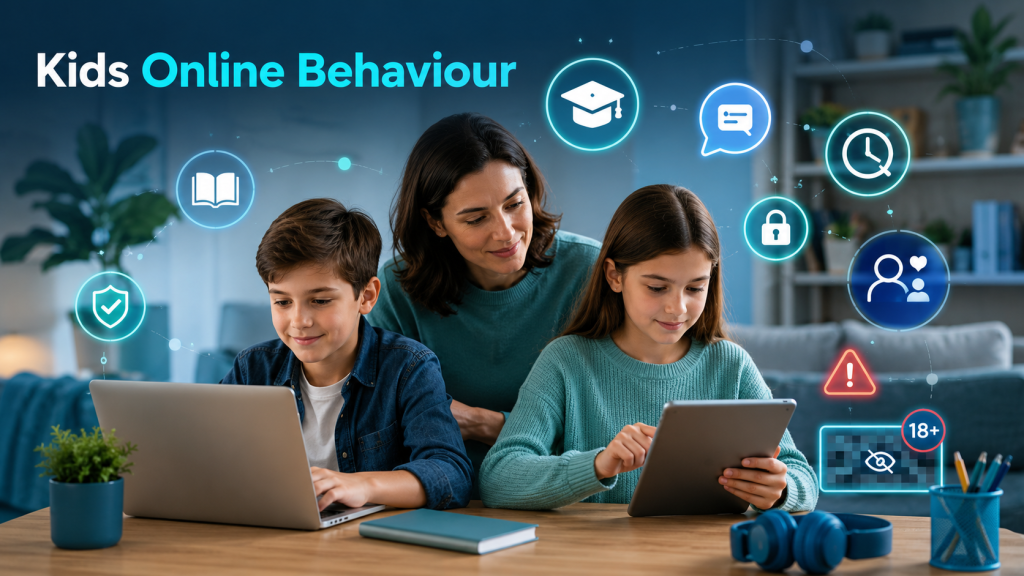
A modern child’s internet access may involve:
- a smartphone;
- a school laptop;
- a tablet;
- a smart TV;
- a gaming console;
- messaging apps;
- social-media apps;
- built-in app browsers;
- home Wi-Fi;
- mobile data;
- public Wi-Fi;
- friends’ devices.
If protection exists only inside one browser or on one device, the family may have far less coverage than the parent assumes.
That is one of the biggest weaknesses of traditional parental-control strategies.
How Do Kids Get Around Parental Controls?
There is no need for parents to learn detailed circumvention techniques. Understanding the types of gaps is enough to build better protection.
Here are the most important ones.
1. Switching to Another Browser
Imagine that a parent carefully configures filtering in one browser.
It works perfectly there.
But the child has access to another browser where those restrictions do not apply.
That can create an immediate gap.
This is not speculation. Google explains that on Windows, Mac and Linux, a child may be able to switch profiles or use another browser where Family Link’s Chrome restrictions do not apply. Google notes similar limitations on iPhones and iPads.
Microsoft has a similar dependency: its web and search filters currently require Microsoft Edge with the family member signed into their Microsoft account.
What parents can do
Instead of protecting only one browser, think about the whole device.
Review:
- which browsers are installed;
- whether new apps can be installed without permission;
- whether the child can create unrestricted user accounts;
- which browser is being used most often;
- whether restrictions apply outside that browser.
The goal is not to endlessly chase browsers. It is to reduce unnecessary escape routes.
2. Using VPNs or Similar Privacy Tools
A VPN is not inherently a bad technology.
VPNs have legitimate purposes, including protecting connections, improving privacy and allowing secure remote access.
The problem for parental controls is that some privacy or routing tools can change how internet traffic travels. Depending on how a filter is designed, that can weaken or bypass certain network restrictions.
Ofcom’s latest research shows why parents should understand this issue. Among 13–17-year-olds surveyed, 19% said they knew how to use a VPN or similar technology to reach particular online content. Among parents who used parental controls, 69% said they used them to prevent their child from downloading or using VPNs.
That doesn’t mean every teenager using a VPN is trying to reach pornography or bypass their parents. Ofcom notes that children reported various reasons, including privacy and accessing geographically restricted content.
Context matters.
What parents can do
For younger children, review which networking and VPN applications can be installed.
For teenagers, don’t begin with:
“VPNs are bad.”
Explain instead:
“Privacy tools can be useful. Using them secretly to defeat family safety protections is a different issue.”
That distinction teaches responsible technology use rather than fear of technology itself.
For more on this issue, see Is Using a VPN Halal in Islam? Privacy, Security and Ethical Internet Use.
3. Moving From Home Wi-Fi to Another Connection
This is an easy gap to overlook.
Suppose your content filter operates through your home internet connection.
Everything seems protected.
But your child’s phone also has another way to connect to the internet.
The moment the device leaves your protected network, your router-level controls may no longer be the layer controlling the connection.
The same issue can happen when children use:
- school networks;
- public Wi-Fi;
- relatives’ internet;
- friends’ devices;
- other available connections.
This is why home-router protection alone is not the same as child-device protection.
A stronger approach
Think about protection in layers:
Device → Account → App → Browser → Internet connection
If inappropriate content is blocked at only one of these levels, there may still be another route.
4. In-App Browsers Can Create Hidden Gaps
Parents often think of web access as something that happens through Chrome, Safari or Edge.
Children do not always experience the internet that way.
A link may open inside:
- a social-media app;
- a messaging application;
- a game;
- a news application;
- another platform’s embedded browser.
That matters because parental controls designed primarily around normal web browsing may behave differently inside other applications.
The modern internet is increasingly app-based rather than browser-based.
So asking:
“Did I block this website?”
is no longer enough.
A better question is:
“Through which apps can my child reach outside content?”
5. Creating or Using Another Account
Many parental-control systems depend on the child remaining signed into a supervised account.
If another unrestricted profile or account becomes available, some protections may no longer apply.
Google specifically explains that supervision capabilities vary by platform and account state. For example, restrictions that apply while a child is signed into a supervised Chrome profile may not apply in the same way after switching to another browsing environment.
Parents should therefore review
Who can create accounts?
Who has administrator privileges?
Does the child know the parent’s device password?
Are old accounts still logged in?
Are guest profiles available?
This is basic digital housekeeping, but it can close surprisingly large gaps.
6. Installing New Apps That Parents Do Not Know About
A browser isn’t the only gateway to content.
A new app may contain:
- videos;
- messaging;
- live streams;
- embedded websites;
- user-generated content;
- private groups;
- AI chat;
- search functions.
Google Family Link allows parents to manage which applications a supervised child can use on supported Android devices and Chromebooks. Microsoft also provides application restrictions through Family Safety.
Rather than maintaining an enormous blacklist, younger children’s devices can be configured so that new applications require parental approval.
This changes the question from:
“Which harmful app haven’t I discovered yet?”
to:
“Which new app should be allowed onto this device?”
That is usually a much easier problem to manage.
7. Private Browsing and Deleted History Can Reduce Visibility
Some parents rely heavily on browser history.
But browser history is not a complete record of a child’s digital life.
Ofcom found that among 13–17-year-olds, around 32% said they knew how to use private or incognito browsing, while 35% said they knew how to delete records of websites they had visited.
Again, knowing how to use a privacy feature does not prove wrongdoing.
Private browsing has legitimate purposes.
The lesson for parents is simply this:
Browser history should never be treated as your main parental-control system.
If safety depends entirely on checking history afterwards, protection is already too reactive.
The Bigger Problem: Harmful Content Is No Longer Just on “Bad Websites”
This is where many parental-control strategies are becoming outdated.
Twenty years ago, online filtering could focus heavily on lists of websites.
Today a child may encounter inappropriate content without intentionally visiting an adult website.
It can appear through:
- social-media recommendations;
- short-video feeds;
- suggested accounts;
- advertisements;
- live streams;
- comments;
- group chats;
- thumbnails;
- search recommendations;
- user-uploaded images;
- AI-generated content.
The child may not search for it at all.
An algorithm can bring it to them.
That means URL blocking alone cannot solve the modern harmful-content problem.
Ofcom’s 2026 research illustrates how complex children’s online lives have become: virtually all children aged 8–17 in its survey went online, 56% had used AI, and video-sharing platforms represented a major part of children’s viewing.
A modern safety strategy therefore needs to consider both access and exposure.
They are different.
Why Do Children Try to Bypass Parental Controls?
It is easy to assume that bypassing a restriction means a child deliberately wants harmful content.
Sometimes that may be the reason.
Often it is more complicated.
Curiosity
Children naturally want to understand things adults tell them they cannot see.
An unexplained restriction can sometimes make something even more attractive.
Friends and Social Pressure
A child may hear:
“Everyone at school has this app.”
“Everyone has seen this video.”
“You’re the only one whose parents blocked it.”
For teenagers especially, social belonging can be powerful.
Restrictions That Are Too Broad
A filter that constantly blocks homework sites, educational videos or harmless searches creates frustration.
When a child sees the control system as unreasonable, bypassing it may start to feel justified.
That is why good filtering needs accuracy, not simply aggression.
Growing Independence
A seven-year-old and a seventeen-year-old should not have identical digital rules.
As children mature, protection has to gradually shift from:
control
toward:
judgment and responsibility.
Ofcom’s research reflects this age difference. Parental supervision was substantially higher for 8–12-year-olds than for teenagers aged 13–17.
What Should Parents Do When They Discover a Child Has Bypassed a Filter?
Finding out that your child deliberately defeated a restriction can feel like a betrayal.
Responding with immediate anger, however, may destroy the thing you need most:
communication.
UNICEF advises parents to maintain open conversations about children’s online experiences and encourages children to speak to a trusted adult when something online makes them uncomfortable or scared.
That is especially important after something has gone wrong.
Try to understand three things first.
What happened?
Did the child accidentally discover a gap, or deliberately search for one?
Why did it happen?
Were they looking for inappropriate content, trying to use an ordinary app, following friends or simply curious?
What did they encounter?
The response to someone bypassing a screen-time limit to finish homework should not necessarily be identical to deliberately seeking explicit material.
Understanding the context produces better decisions.
A Better Parental-Control Strategy: Build Layers
The strongest family protection rarely comes from one application.
Think of it more like home security.
You wouldn’t protect a house using only a lock on one window.
Digital safety works similarly.
Layer 1: Secure the Device
Start with the operating system.
Use the official family or parental-management functions supported by the device.
Keep the operating system updated.
Control who can:
- install applications;
- change important settings;
- create accounts;
- remove supervision.
Apple, Google and Microsoft all provide family-management tools, but their capabilities differ by device and platform.
Layer 2: Control Applications
Review installed applications regularly.
Pay particular attention to apps containing:
- unrestricted browsing;
- anonymous chat;
- live streaming;
- user-generated video;
- private messaging.
For younger children, requiring approval before installation can prevent many problems before they begin.
Layer 3: Add Content Filtering
Traditional parental controls often rely on categories, website lists and SafeSearch settings.
Those can still be useful.
But families concerned specifically about explicit or haram content may want an additional filtering layer designed around those concerns.
This is where the concept behind Halal VPN and Muslim VPN solutions becomes relevant.
A family-focused Muslim internet solution should not merely hide an IP address.
The more useful goal is combining privacy with responsible content protection so families do not have to choose between secure browsing and safer browsing.
Read more in our guide to Haram Content Blocking & Filtering for Muslim Families.
Layer 4: Protect More Than the Browser
Ask:
“What happens if my child opens another app?”
“What happens outside the house?”
“What happens when a link opens inside social media?”
“What happens on the tablet?”
“What happens on the smart TV?”
Good parental safety should be designed around the child’s digital environment, not one application.
Layer 5: Check Privacy and Permissions
Children need protection not only from inappropriate content but also from excessive data collection.
Review application permissions for:
- camera;
- microphone;
- contacts;
- photos;
- location.
Google lets parents review certain third-party application access through Family Link, while UNICEF recommends regularly checking privacy settings across children’s devices, games, apps and platforms.
Teaching privacy is part of teaching digital responsibility.
Don’t Turn Parental Controls Into Secret Surveillance
There is an important ethical distinction between protecting a child and monitoring every private thought of a child.
Parents need enough visibility to protect young people from harm.
Children also need to gradually learn independence, trust and personal responsibility.
UNICEF specifically encourages parents of older children and teenagers to explore privacy and safety settings together and maintain open conversations rather than relying solely on hidden monitoring.
For Muslim families, this balance is especially meaningful.
Islam encourages parents to take responsibility for their families. Qur’an 66:6 begins with an instruction to believers to protect themselves and their families.
But technology should assist that responsibility—not replace upbringing.
A child who behaves responsibly only because every click is monitored has learned something different from a child who understands why certain boundaries matter.
From Parental Control to Digital Taqwa
There is a larger goal that Muslim parents can work toward.
Call it digital taqwa: developing enough consciousness, self-control and responsibility that a young person eventually makes good choices even when a filter can be bypassed.
A seven-year-old may need a strict technical barrier.
A fifteen-year-old also needs explanations.
An eighteen-year-old will soon have full control of their own device.
At some point, no parental-control password will stand between them and the internet.
That is why the long-term objective cannot simply be:
“Make it technically impossible for my child to do something wrong.”
It should also become:
“Help my child understand why they should choose what is better even when they have the freedom to choose otherwise.”
Technology creates boundaries.
Values create decisions.
Families need both.
What a Strong Family Internet Safety System Should Do
Instead of asking whether one parental-control application is “100% safe,” evaluate the whole system.
A useful family protection setup should ideally address:
| Protection area | What parents should look for |
|---|---|
| Device control | Prevent unauthorized setting changes |
| App management | Control or approve installations |
| Web filtering | Reduce access to explicit/harmful websites |
| Search protection | Enable age-appropriate search filtering |
| Multiple browsers | Avoid protection that depends on only one browser |
| Network changes | Consider protection beyond home Wi-Fi |
| Family profiles | Different settings for different ages |
| Privacy | Limit unnecessary data collection |
| Reporting | Useful alerts without excessive surveillance |
| Education | Help children understand online risks |
| Faith-aware protection | Support family values around online content |
No single feature makes a family safe.
The combination matters.
Why “Block Everything” Is Usually Not the Best Strategy
There is another mistake worth avoiding.
Some parents respond to the difficulty of filtering by trying to block almost everything.
That can backfire.
A child needs the internet for:
- education;
- communication;
- creativity;
- research;
- Islamic learning;
- hobbies;
- practical life skills.
Ofcom found that 91% of parents whose children go online said the internet helps their child in at least one way, and 69% of parents of 8–17-year-olds said it helps with schoolwork.
The goal should therefore not be:
less internet at any cost.
It should be:
better internet use.
That’s a fundamentally different strategy.
The 10-Minute Family Safety Audit
Parents do not need to become cybersecurity engineers.
Once a month, spend ten minutes checking:
- Which devices does my child currently use?
- Have any new apps or browsers appeared?
- Are parental controls still enabled?
- Can important settings be changed without parental approval?
- Are operating systems and safety applications updated?
- Do filtering rules still match the child’s age?
- Are privacy permissions reasonable?
- Have we discussed anything uncomfortable they’ve encountered recently?
UNICEF similarly recommends checking privacy and safety settings regularly because digital platforms and features continue to evolve.
The internet changes.
Your family’s protection strategy should change with it.
What If Your Child Already Saw Haram or Explicit Content?
Do not assume that exposure means your child deliberately searched for it.
Algorithmic recommendations, messages from other users, advertisements and shared links can expose children to content unexpectedly.
If something has happened, first establish whether the exposure was accidental or intentional.
If your child tells you voluntarily, protecting that trust matters.
UNICEF recommends staying calm when children report troubling online experiences, listening to them and reinforcing that they can come to a trusted adult when something goes wrong.
Then address the technical gap that allowed the exposure.
The conversation and the technical fix are both important.
Can AI Make Haram Content Filtering Better?
Traditional filters often depend heavily on lists:
Allowed website.
Blocked website.
Modern online content makes that approach harder.
One platform may contain Qur’an recitation, educational videos, cooking tutorials, pornography, gambling promotions and violent clips at the same time.
You cannot simply classify the entire platform as “good” or “bad.”
This creates an important opportunity for intelligent filtering systems.
AI-assisted systems may potentially evaluate signals associated with content rather than depending entirely on static domain lists.
But AI should not be marketed as perfect either.
Classification systems can make mistakes.
They may:
- block harmless material;
- miss harmful material;
- misunderstand context;
- struggle with newly uploaded content.
The right promise is therefore not:
“AI makes the internet completely safe.”
A more credible promise is:
“Smarter filtering can add another protective layer.”
Human parenting still matters.
Where HalalVPN Fits Into This Approach
The idea behind HalalVPN should be broader than simply giving Muslim users another standard VPN.
Privacy is important.
Security is important.
But for Muslim families, a third question matters:
“What kind of digital environment are we creating inside our home?”
That means considering privacy alongside:
- protection from explicit content;
- family-safe browsing;
- parental controls;
- Islamic digital values;
- responsible internet habits.
Halal technology should not claim to replace parents.
It should make responsible parenting easier.
Explore Muslim Family & Parental Control for Safer Digital Lives to learn how privacy, filtering and family controls can work together.
Final Thoughts: The Best Filter Is a Layered One
Parental controls have not become useless.
They have become insufficient on their own.
Children move between devices, browsers, apps and networks. Technology develops quickly, and teenagers often understand their phones better than their parents expect.
Ofcom’s 2026 research even includes a case study specifically describing parents who felt outpaced by children’s ability to work around restrictions.
The answer is not endless technological warfare between parent and child.
It is a stronger system built around:
technology + supervision + communication + values + trust.
Use technical controls to make harmful content harder to reach.
Use privacy controls to protect children’s personal information.
Use conversations to help them understand online risks.
And use Islamic values to gradually teach the responsibility to make good choices even when no parental-control application is present.
Because eventually every child grows old enough to know the password.
The real success is when they no longer need the filter to understand the boundary.
Frequently Asked Questions
Can children bypass parental controls?
Some can. The likelihood depends on the child’s technical knowledge, device, operating system and how the controls are configured. Ofcom’s 2026 study found that 16% of surveyed 13–17-year-olds said they knew how to get around parental controls or age checks, although a much smaller proportion reported actually doing so.
Can a VPN bypass parental controls?
Some network-level filtering systems may be affected by VPNs or similar routing technology, depending on how the protection is configured. VPNs also have legitimate privacy and security uses, so parents should focus on unauthorized circumvention rather than treating all VPN technology as harmful.
Are parental controls enough to protect children online?
No parental-control tool should be considered complete protection. Google itself says that explicit-site filtering is not perfect. Technical controls work best alongside appropriate device settings, privacy protection, supervision and ongoing conversations.
Should parents check their child’s browsing history?
Browsing history can provide some information, but it should not be your entire safety strategy. Private browsing, different browsers, apps and other devices can make history incomplete.
How can I stop my child from seeing inappropriate content?
Use multiple protections rather than relying on one filter: age-appropriate device supervision, application controls, web/content filtering, privacy settings and family rules. Just as importantly, maintain a relationship in which the child can tell you when something disturbing appears online.
What is the best parental control for Muslim families?
There is no single tool that will suit every family. Look for solutions that combine strong technical protection with privacy, age-appropriate controls and, where relevant to your family, filtering designed around Islamic values.
Should Muslim parents completely block social media?
That depends on the child’s age, maturity, platform and family circumstances. A blanket rule may be appropriate for some younger children, while older teenagers may benefit more from graduated access, clear boundaries and education.