
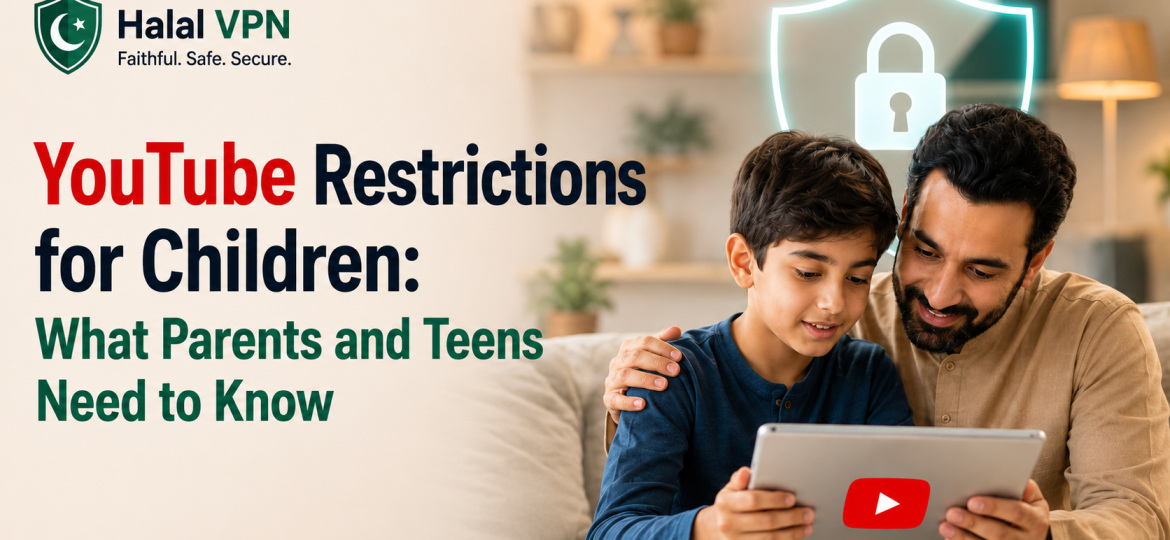
YouTube is one of the most popular platforms in the world, and let’s be honest it’s basically impossible to keep kids away from it entirely. The real question isn’t whether children will use YouTube, but how safely they can use it. That’s where restrictions, parental controls, and smart usage come in.
Understanding Age-Based Access:
YouTube applies different rules depending on age:
- Under 13: Children are expected to use YouTube Kids, a separate app designed with stricter content filtering.
- Ages 13–17: Teens can use the regular YouTube platform, but often under supervised accounts with added protections.
- Under 18: Considered minors, meaning YouTube automatically applies certain safety measures.
These rules are meant to reduce exposure to inappropriate or harmful content—but they’re not foolproof.
Built-In Safety Restrictions:
YouTube has implemented several systems to make the platform safer for younger users:
Content Filtering:
- Blocks or limits videos with violence, sexual content, or harmful themes
- Attempts to remove misleading or disturbing “kid-targeted” videos
- Applies age-based viewing restrictions automatically
Algorithm Adjustments:
- Limits recommendations of risky or extreme content
- Reduces repetitive or potentially addictive video suggestions
- Adds “take a break” reminders and screen-time notifications
Parental Controls: The Real Game Changer
Let’s be blunt—YouTube’s default settings aren’t enough on their own. Parental controls are where actual safety happens.
Key Tools:
- YouTube Kids App
- Google Family Link
- YouTube Supervised Experience
What Parents Can Do:
- Disable search entirely (only approved content is viewable)
- Set age-appropriate content levels
- Block specific videos or channels
- Set screen time limits
- Turn off autoplay
- Monitor watch and search history
Used properly, these tools can significantly reduce risks.
YouTube Kids: Safer, But Not Perfect:
YouTube Kids is designed to create a more controlled environment:
- Curated and filtered video content
- Simpler interface for younger users
- Parent-managed profiles
- Option for “approved content only” mode
However, no automated system is flawless. Inappropriate or strange content can occasionally slip through, which is why supervision still matters.
The Reality Parents Shouldn’t Ignore:
Even with restrictions in place:
- Children can still encounter questionable or misleading content
- Algorithms don’t always understand context
- Overexposure to screen time remains a concern
- Peer influence (sharing videos) can bypass restrictions
In short: technology helps, but it doesn’t replace active guidance.
Best Practices for Safer YouTube Use
To make YouTube safer for children:
- Use YouTube Kids for younger children
- Enable supervised accounts for teens
- Regularly review watch history
- Set clear screen-time limits
- Talk openly about what they’re watching
Final Thoughts:
YouTube isn’t inherently dangerous—but it’s not automatically safe either. Restrictions, filters, and parental controls provide a strong foundation, but real safety comes from awareness and involvement.
At the end of the day, the goal isn’t to completely block access it’s to teach responsible and informed use of one of the internet’s biggest platforms.
